

EAP Update: A New Way to Add Examinees
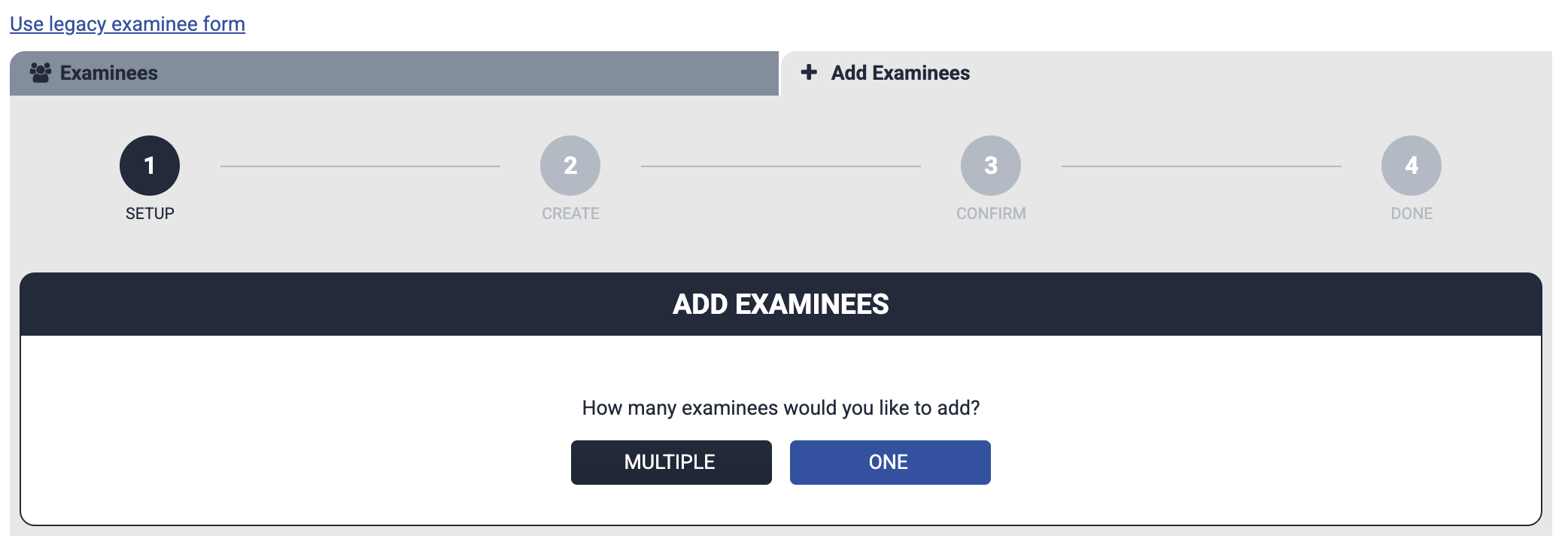
We have been hard at work on some under-the-hood changes to the EdITS Assessment Platform, and are excited to announce a refreshed system for adding examinees! Instead of multiple tabs for different methods of adding examinees, we have consolidated everything into an all-inclusive “wizard” that walks you through the entire process.
No more confusion over personalized links! Now, our email invites simply include a username, a temporary password, and a generic link to https://eap.edits.net/.
Adding a classroom full of students? Our option to add multiple examinees now generates a customized .PDF with login instructions and your group passcode.
If you prefer to send examinee invites, or just want to have a slower transition, the legacy invites and forms are still accessible. You can seamlessly swap between both versions.
We are always open to feedback! If you have any questions, comments, or concerns, feel free to email us at service@edits.net or visit our support pages for detailed instructions.